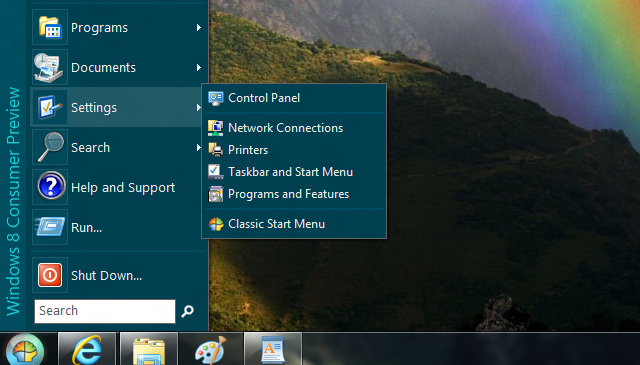
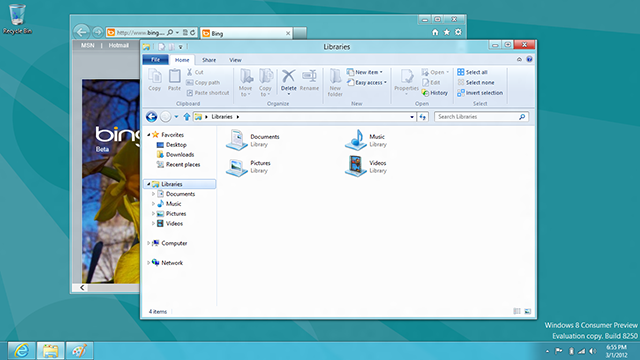
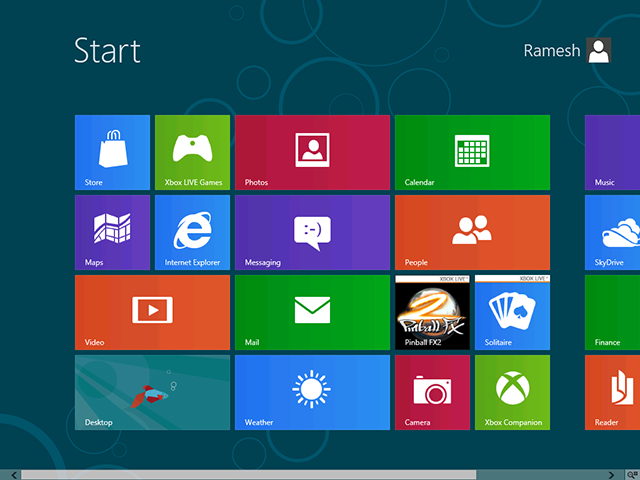
If you are looking forward to move on Windows 8, let me clear one thing – Microsoft is not bringing Start Menu to Windows 8 and it’s CONFIRMED. In that case, you may have a hard time adapting to new Start Screen and may look for an alternative. Classic Shell is the solution, you are [...]
How to create Windows To Go USB drive
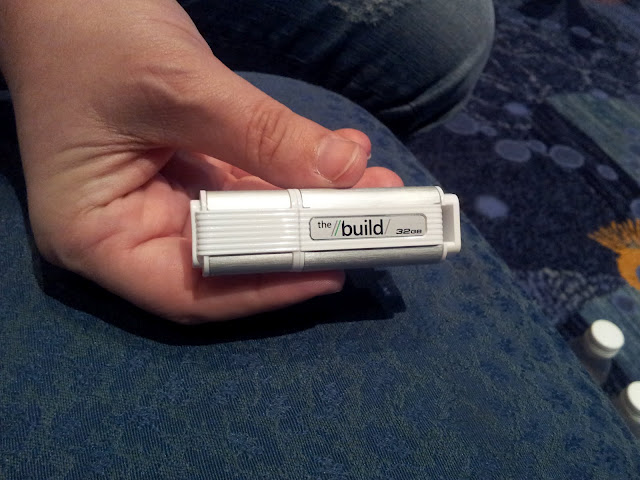
Microsoft has taken one step forward in in portability and introduces Windows To Go – that enables users to boot Windows from a USB drive. Windows To Go is an exclusive feature for enterprises that allows to install Windows 8 to USB drive as portable OS though it is not a replacement of traditional desktops [...]
Windows 8 to be RTM’d by this summer
There is no secret that Windows 8 will be released later this year, but now rumor has it that Microsoft is on track to release Windows 8 PC and Tablets by October. In a recent blog post, Bloomberg has claimed that Microsoft will finish work on Windows 8 this summer, “setting the stage for personal [...]
How to enable/disable new boot menu in Windows 8
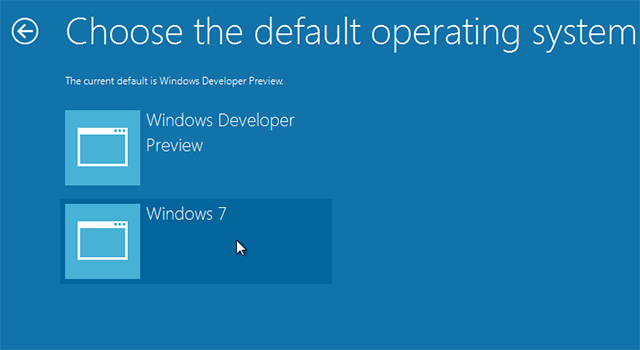
Precisely the very first thing you notice when Windows 8 starts is the new boot experience. Windows 8 comes with high-fidelity, immersive, touchable UI boot manager that gives the same experience from tablets to laptops to all-in-ones with large, high-definition screens. I was working around Windows 8 Consumer Preview and found a new entry option [...]
Quick Guide: Get started with Windows 8 Start screen
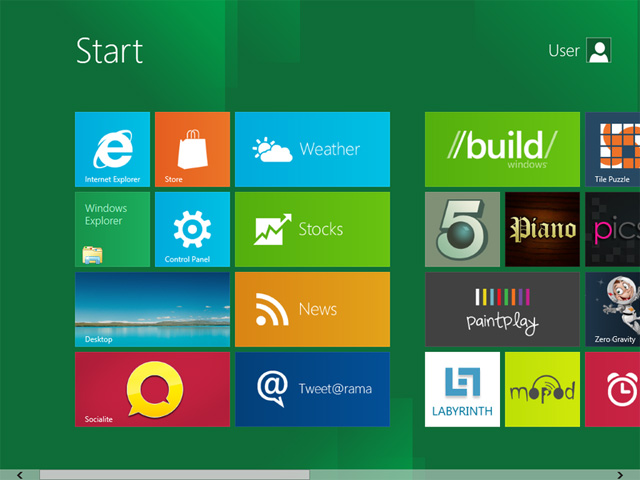
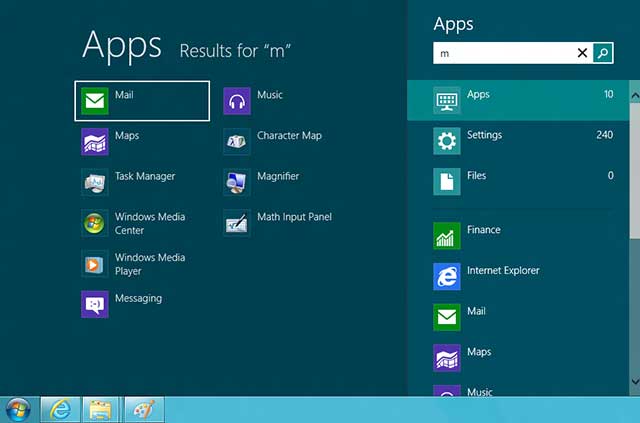
Windows 8 Consumer Preview is full of new things and guess what Start screen is my favorite addition to Windows 8. And in this blog post I am sharing a quick guide that includes new and old keyboard shortcuts that may help you get started with Windows 8 Start screen. So here we go – [...]
Windows 8 theme for Windows 7 by fediaFedia
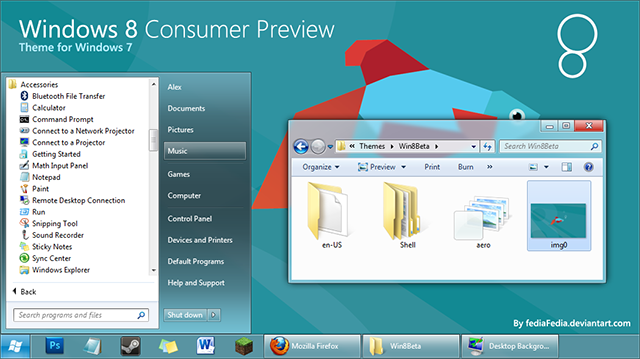
If you can’t try Windows 8 Consumer Preview for any cause and willing to get a glimpse of Windows 8 in Windows 7 then you must try Windows 8 theme for Windows 7 by fediaFedia. fediaFedia at devinatArt has been creating Windows 8 theme for Windows 7 since the advent of Windows 8 Developer Preview [...]
What’s new in Windows 8 themes
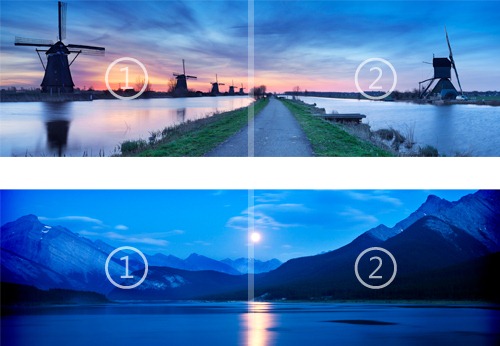
It has been only a week since Windows 8 Consumer Preview released and we have first Windows 8 theme in Windows Personalization Gallery. Windows 8 themes aka theme packs are cabinet files with an extension of .deskthemepack, and consist of a .theme as well as any number of images, sound, icon, and mouse cursor files. [...]
Start8 – Get Start Menu back in Windows 8
If you have installed Windows 8 Consumer Preview, you will notice changes throughout Windows. Some enduring changes have been made like new Start Screen, Internet Explorer 10, SkyDrive integration, DirectAccess, Windows To Go, Client Hyper-V and much more. Old habits die hard and if you just are missing old Start Menu or ORB, then don’t just [...]
Windows Defender – A built-in Antivirus in Windows 8
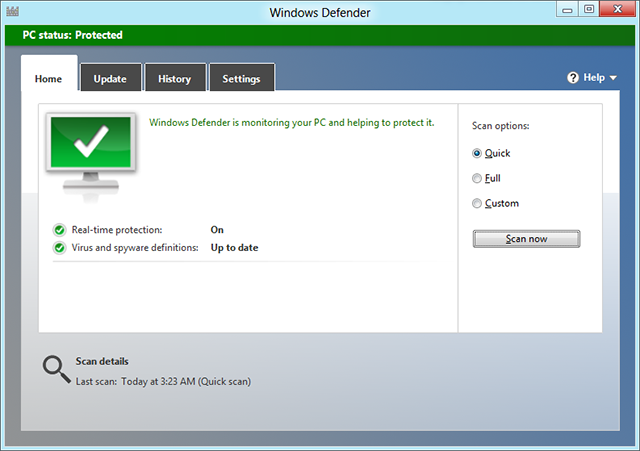
I’m sure that you may have got your hands on Windows 8 Consumer Preview. As you will notice, Windows 8 doesn’t notify, “Windows did not find antivirus software on this computer.” Because it comes with a built-in AV protection called “Windows Defender”. Shocked! But it is true. Windows Defender is now an Antivirus suite, providing [...]
How to add/restore Computer, User’s Files, Network and Control Panel shortcuts on desktop in Windows 8
Finally! No more Start button in Windows 8 Consumer Preview. Start Screen – a brand new addition to Windows and it eliminates traditional Start Menu. Start Screen embraces almost all core functionality of Start Menu in more proper way like finding programs and files and accessing system folders, but also eats a small and handy [...]