Yesterday, Microsoft has made available Office 2010 Beta to MSDN and TechNet subscribers. After downloading and installation of the first official Beta of Office 2010, I would like to share my first impression on the release.
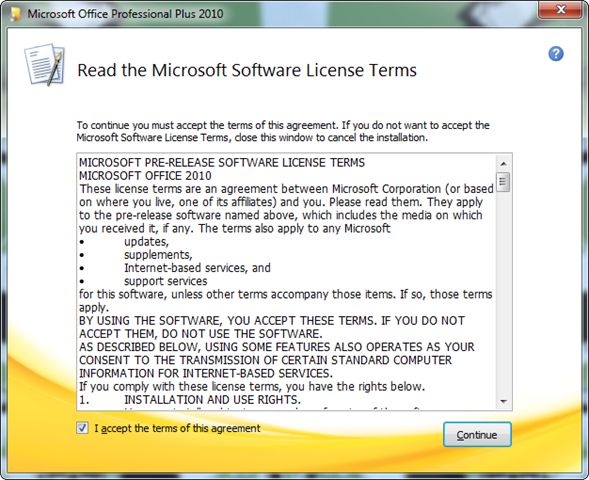
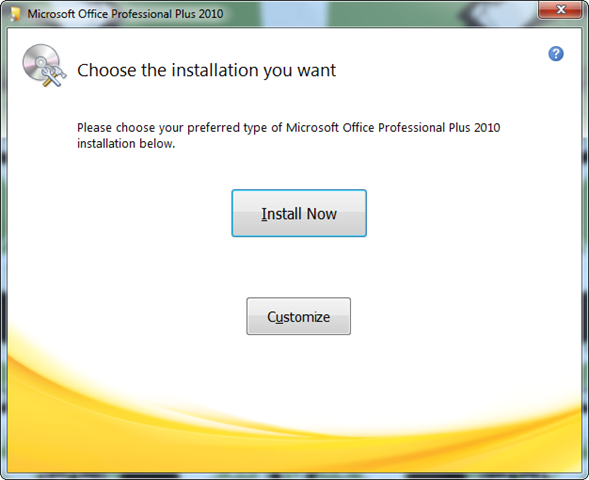
FYI the release available for both x86 and x64 platforms, repacked in Self-Extracting archive executables and their sizes are 684.48 MB and 749.87 MB respectively. here are few things that can be observed in first look. Setup and Installation process is same as earlier Office 2007 and Office 2010 TP, except graphics and licensing method. The user interface looks more clean and spacious. The setup doesn’t prompt for the product key during the installation, that means, End-User can install a trial copy Office 2010 without product key. So now you can perform installation with few of clicks without worrying to enter product key.
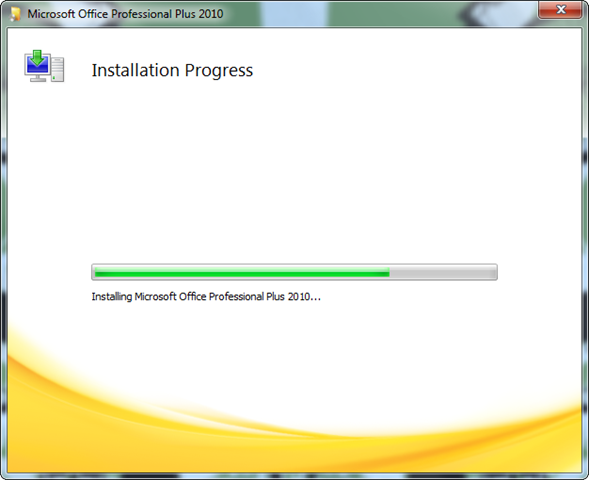
The only thing, I didn’t like during the setup is Installation Time. I installed Office 2010 Beta x64 on testing machine (DELL Notebook) equipped with Windows 7 Ultimate x64 (freshly clean installed), Intel Core2Duo processor and 3GB of DDR2 RAM and it took approx 13~15 minutes to complete the whole process. In my opinion its too long, I hope it will be improved before it reaches RTM release.
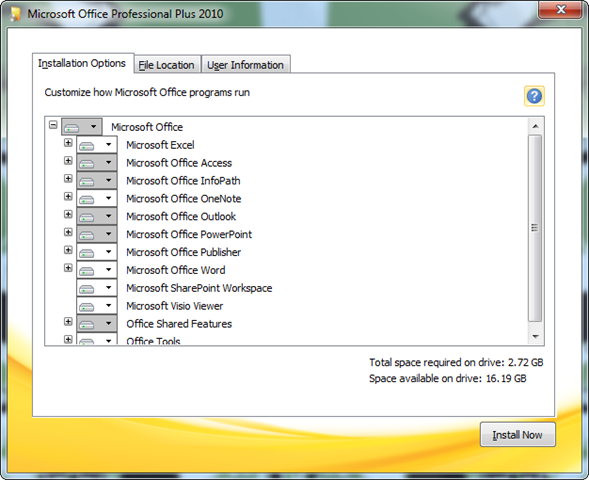
Here are the screen shots of installation process of Office 2010.
Leave a Reply