Few days back, Firefox 3.6 released with lots of improvement over previous release. Mozilla also introduced a new way to personalize the look and feel of Firefox web browser using Personas.
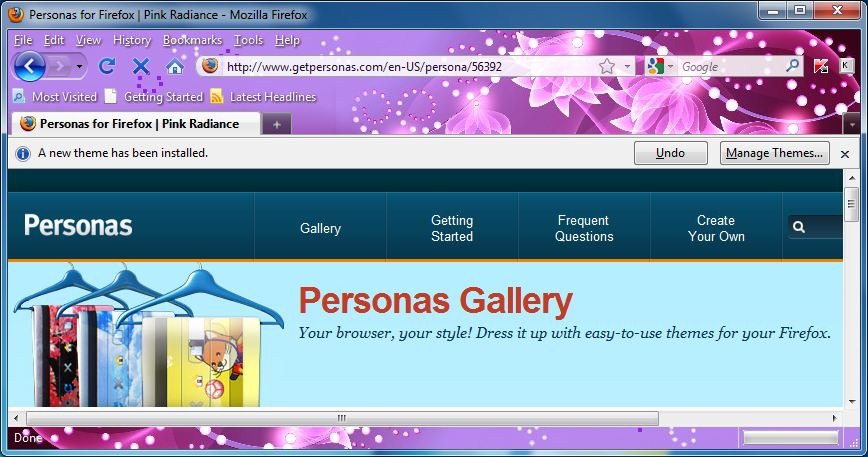
Personas for Firefox is a extension that adds lightweight theming to your Firefox browser. It is required to have latest version of Firefox 3.6 to get experience of Personas designs. Few benefits of Personas-
- Enjoy instant access to over 35,000 designs
- Choose favorites and switch designs anytime
- Create your own design for your computer
- Access the newest designs and features
How to Load Personas Design?
- Go to Tools > Add ons to display the add-ons manager. No click on the Themes button at the top of the add-ons manager window, click on the Get themes for available Personas designs for Firefox Or Visit http://www.getpersonas.com.
- Now roll over any design to preview, and click to Wear it to install the design.
How to Remove Personas Design?
- Go to Tools > Add ons to display the add-ons manager. No click on the Themes button at the top of the add-ons manager window, choose the Default theme for Firefox and click on Use Theme.
- You can remove the installed Personals design completely by choosing that one and click on Uninstall.
Applies To:
- Mozilla Firefox 3.6

Leave a Reply