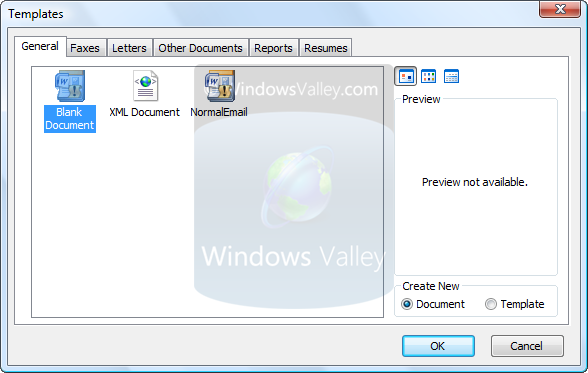
It is registry tweak that enable classic Open File Dialog just like Office 97-2003 by disabling online contents in Office 2007.
How To:
1. Open Registry Editor (Type regedit in StartSearch or Run dialog box and hit return key)
2. Navigate to: HKEY_CURRENT_USER\Software\Microsoft\Office12.0\Common\Internet
3. Create or modify a DWORD value named UseOnlineContent and set its value to 0.
4. Now run any app of Office 2007 System, lets start Microsoft Office Word – and click on New document and this time you will get the New classic Open File Dialog.
Applies To:
- Microsoft Office 2007 (All editions)
Leave a Reply